


Using Codex, Claude or another AI agent?Connect StickerAI once

Free online black background maker

Add a black background to any photo

Turn a busy image into a polished product shot, portrait, or social graphic. Upload once, remove the old background, and continue with deep black already selected.

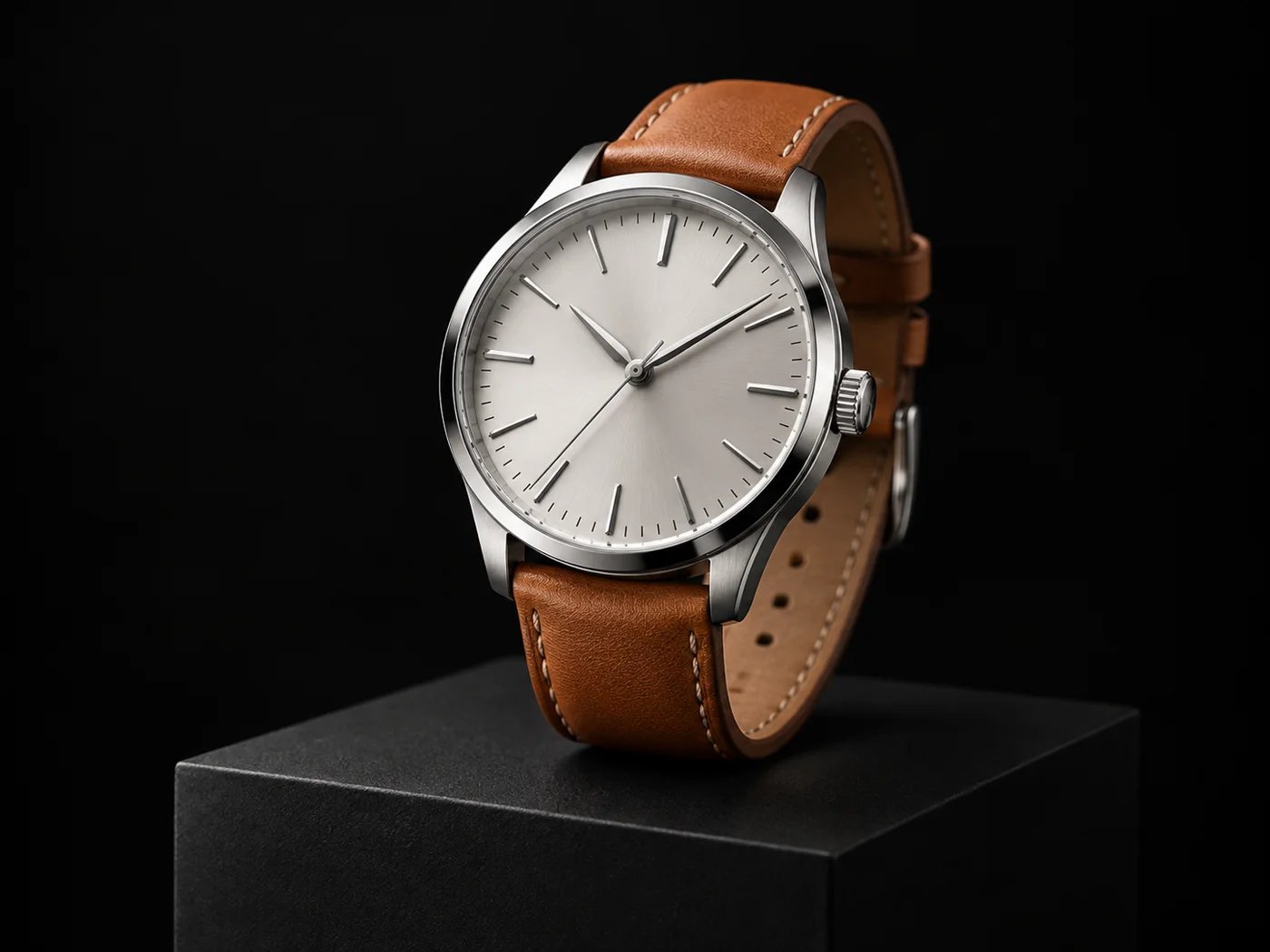
black background example 6
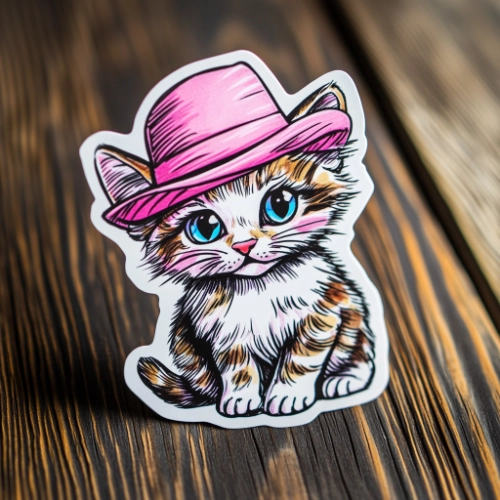
black background example 7

or drop a file

JPG, PNG, or WebP · up to 10 MB

No image?
See examples:

Background removal example 1Background removal example 2Background removal example 3Background removal example 4

By uploading an image, you agree to our Terms and acknowledge our Privacy Policy. Free results are temporary and not saved to a public gallery.

You might also be interested in

Woman in a cobalt blue jacket photographed on a deep black studio background

Fast, clean, and online

Create a polished black background in a few clicks

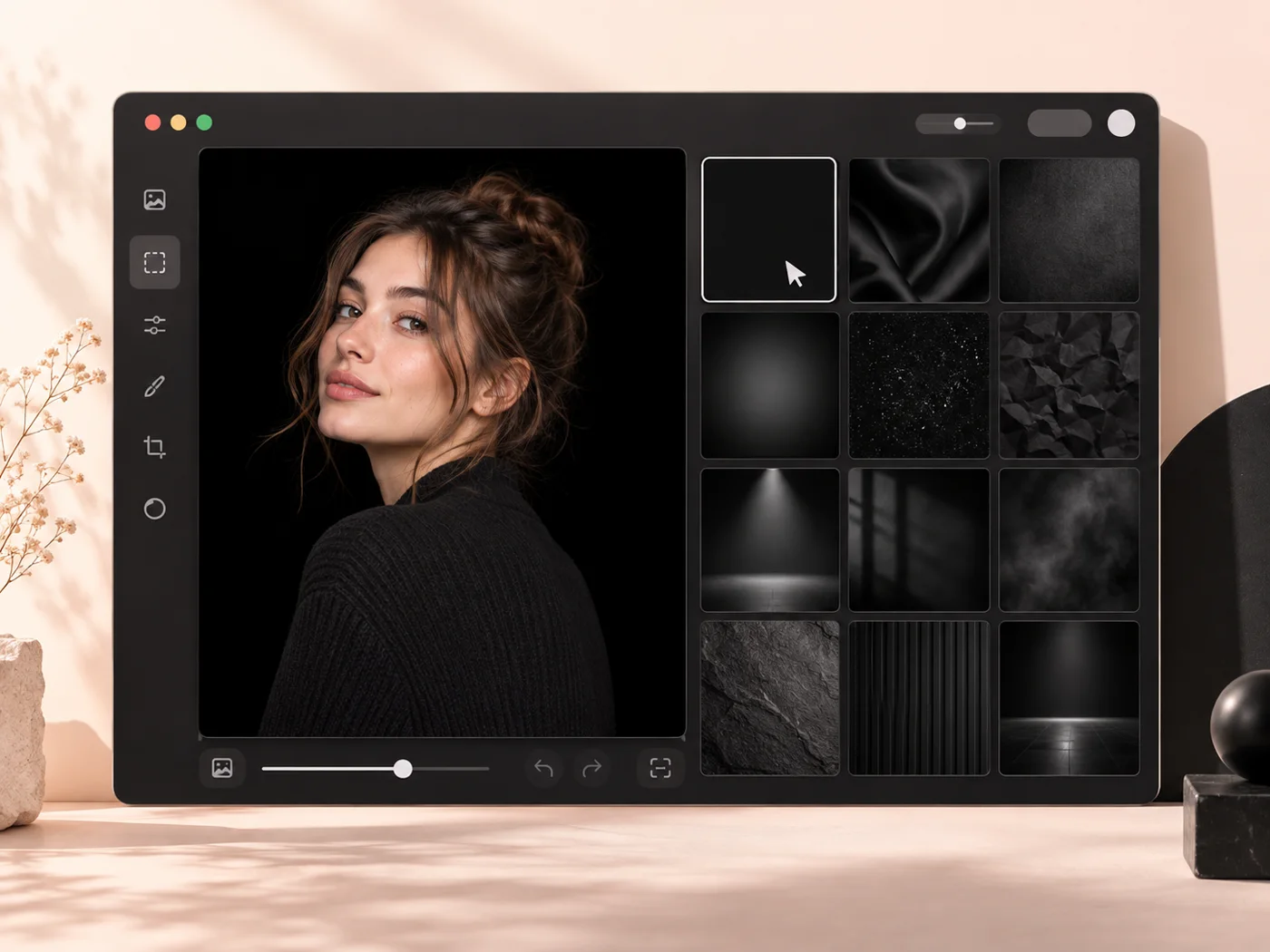
StickerAI separates the subject from its current setting, keeps the transparent cutout available, and carries it into the editor with black selected. You can still adjust the border, scale, and export before downloading.
black background product photography example

Made for black

Why choose a black background?

Black creates contrast without competing for attention. It is especially useful when the subject has bright edges, metallic detail, or saturated color.

  • Give product photos a premium studio look
  • Make bright subjects and colored details pop
  • Build consistent profile, catalog, and campaign images
StickerAI black background editing workflow

A simple workflow

How to make a black background online

Upload your image, let StickerAI create a clean cutout, and continue editing with a deep black background already applied.

  1. 1Upload your imageChoose a JPG, PNG, or WebP up to 10 MB. Your original file stays unchanged.
  2. 2Remove the old backgroundAI creates a transparent cutout so the subject is ready for a clean color change.
  3. 3Add color and downloadOpen the result in Sticker Maker with the color already selected, then export your PNG.
Collection of products on black backgrounds

Consistent at every scale

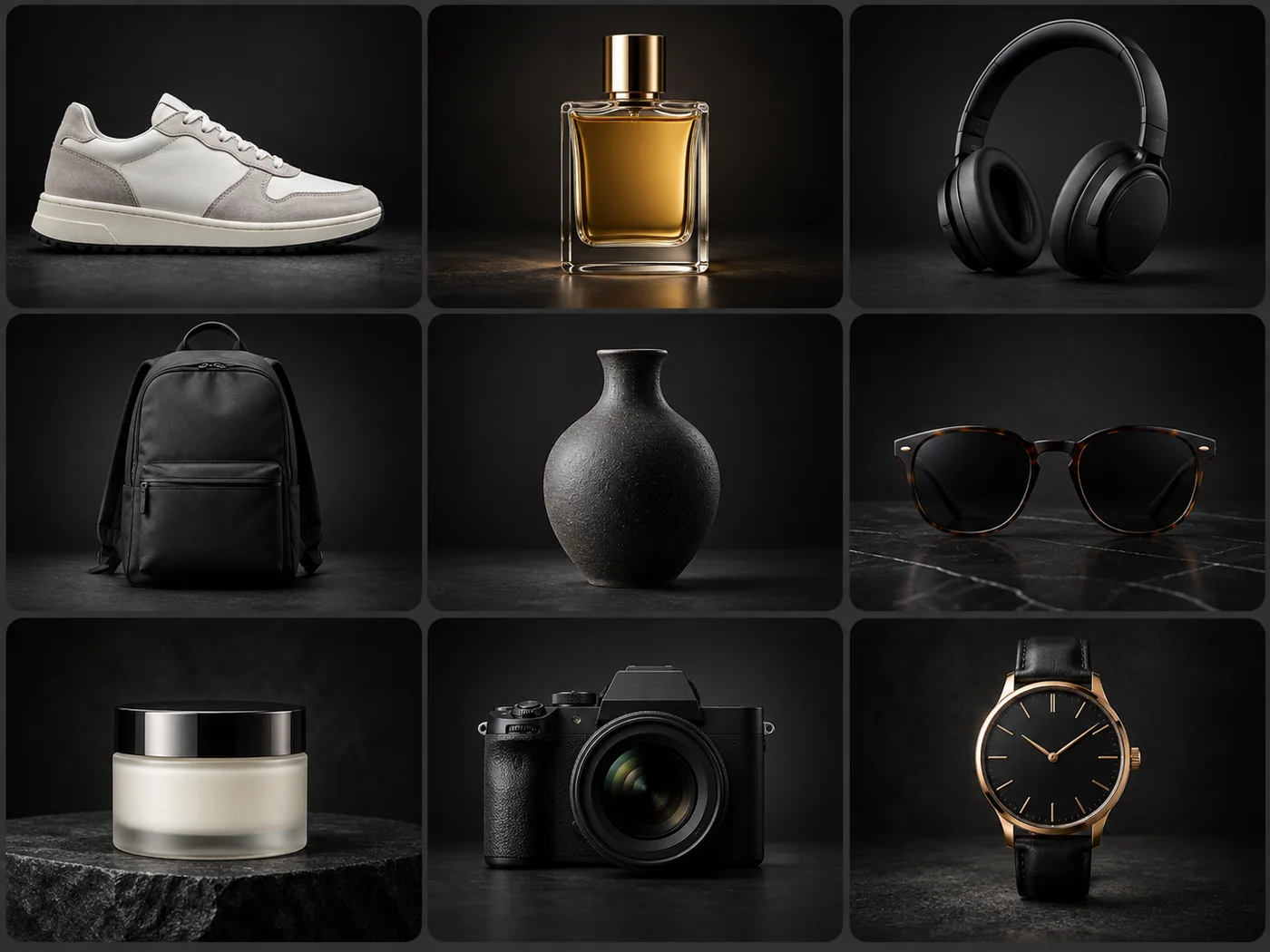
Build a consistent black-background catalog

Give products, portraits, and campaign assets the same polished dark setting so every image feels like part of one premium visual system.

Start editing

Designed for everyday work

One background, many ways to use it

Premium product photos

Add contrast and depth to listings, launches, and catalog images.

Editorial portraits

Create a dramatic studio look while keeping faces, hair, and clothing easy to inspect.

High-impact campaigns

Carry a bold dark direction across ads, thumbnails, and presentation graphics.

Make your background black

Upload a photo and continue directly into StickerAI with your background color ready to refine.

or drop a file

JPG, PNG, or WebP · up to 10 MB

No image?
See examples:

Background removal example 1Background removal example 2Background removal example 3Background removal example 4

By uploading an image, you agree to our Terms and acknowledge our Privacy Policy. Free results are temporary and not saved to a public gallery.

Quick answers

Frequently asked questions

Can I add a black background without Photoshop?

Yes. Upload your image, let StickerAI remove the current background, then continue into Sticker Maker with black selected.

Can I download a transparent version too?

Yes. The background-removal result remains available as a transparent PNG before you add black.

Your privacy choices

We use optional analytics and, if enabled, advertising technologies only after your choice. Read our Privacy Policy