01
Upload an image
Choose a photo, product image, graphic, or logo.


Transparent in seconds
Upload one image, let AI separate the subject from its background, then keep moving with a clean, transparent result.
or drop a file
JPG, PNG, or WebP · up to 10 MB
No image?
See examples:
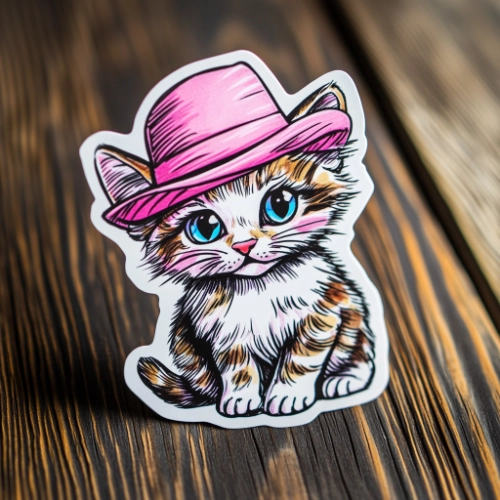
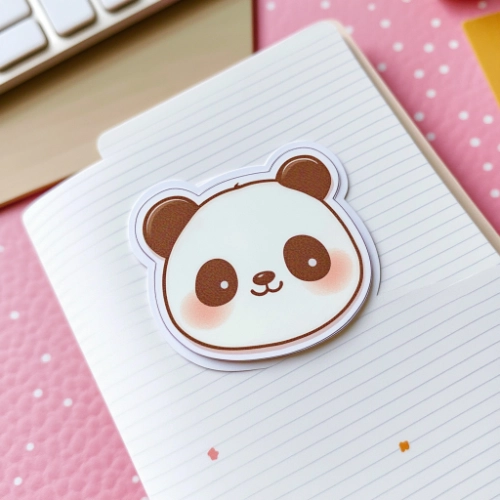
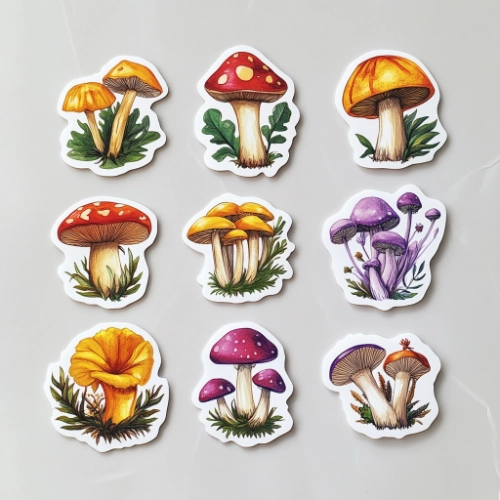
By uploading an image, you agree to our Terms and acknowledge our Privacy Policy. Free results are temporary and not saved to a public gallery.
A simple workflow
01
Choose a photo, product image, graphic, or logo.
02
AI removes the background and opens a large, distraction-free result view.
03
Download PNG, change the background, or make a complete sticker.
After Remove BG
Background removal is the useful middle of a creative workflow. Keep the transparent PNG, give it a new setting, or build a shareable sticker around it.
Remove BG FAQ
Upload a JPG, PNG, or WebP image. StickerAI isolates the subject automatically, then opens a focused workspace where you can review the result and download it.
No. Free processing results are temporary and are not published to a gallery. You decide whether to download the output.
Download a transparent PNG, create a white product image, change the background, or continue into Sticker Maker for a shareable sticker design.
Photos with a clear main subject work best. People, pets, products, simple illustrations, and logos are all good starting points.
Ready when you are