

Using Codex, Claude or another AI agent?Connect StickerAI once

Free online blue background maker

Add a blue background to a photo

Give profiles, product images, and brand assets a clean blue setting. Upload your photo and carry the finished cutout directly into the editor with blue selected.

blue background example 6
blue background example 7

or drop a file

JPG, PNG, or WebP · up to 10 MB

No image?
See examples:

Background removal example 1Background removal example 2Background removal example 3Background removal example 4

By uploading an image, you agree to our Terms and acknowledge our Privacy Policy. Free results are temporary and not saved to a public gallery.

You might also be interested in

Professional portrait photographed against a clean blue studio background

Fast, clean, and online

Make a clean blue background without a complex editor

StickerAI removes the distracting setting and keeps the subject centered on a clear blue canvas. Use the same workflow for profile pictures, marketplace listings, and presentation graphics.
blue background product photography example

Made for blue

Why use a blue background?

Blue feels clear and dependable while still giving the image a distinctive color field. It works across professional and playful layouts.

  • Create crisp profile and team images
  • Build consistent marketplace and catalog photos
  • Match clean, modern brand palettes
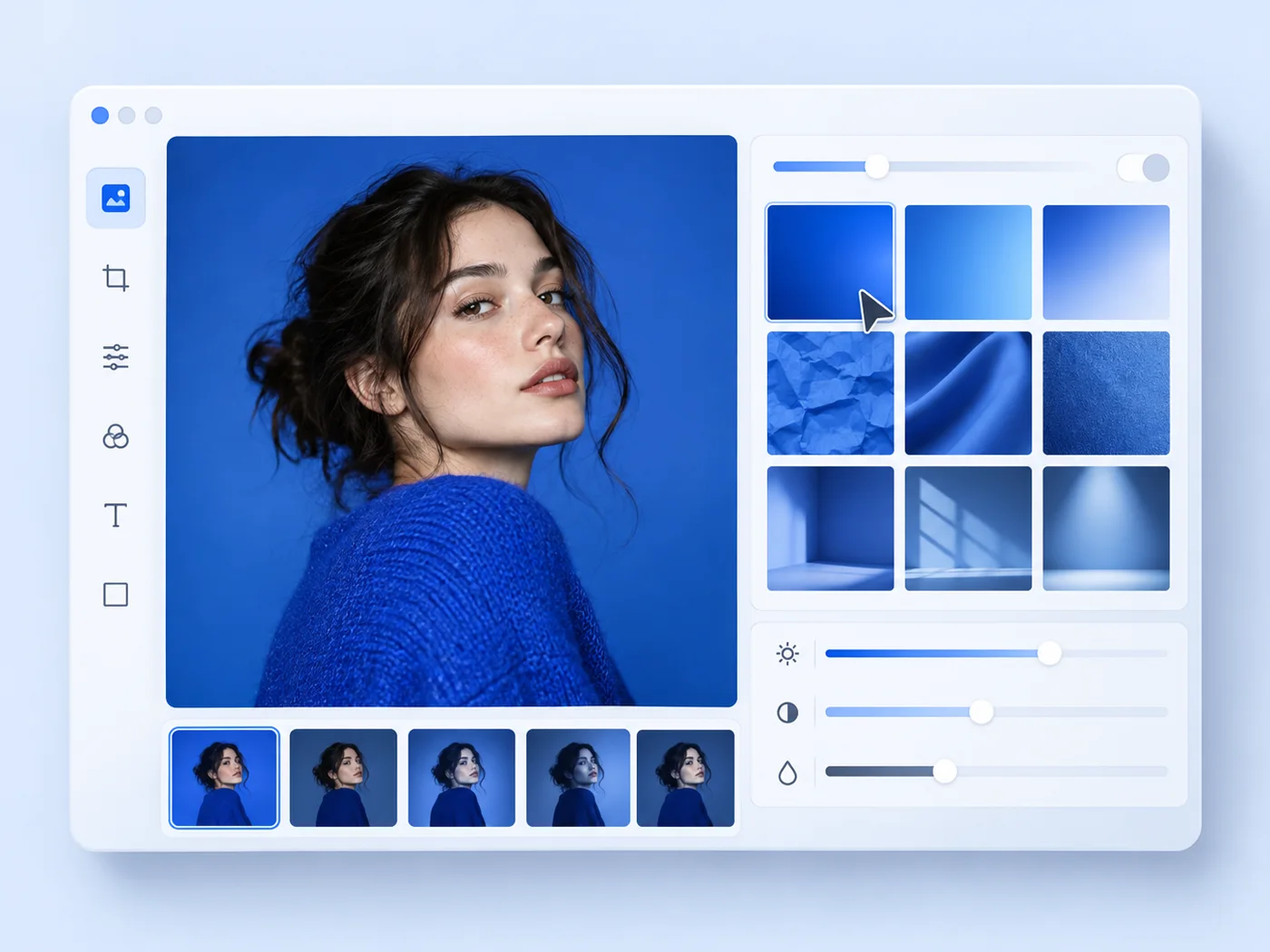
StickerAI blue background editing workflow

A simple workflow

How to create a blue photo background

Upload your photo, remove the old background automatically, and continue with a crisp blue setting already selected in the editor.

  1. 1Upload your imageChoose a JPG, PNG, or WebP up to 10 MB. Your original file stays unchanged.
  2. 2Remove the old backgroundAI creates a transparent cutout so the subject is ready for a clean color change.
  3. 3Add color and downloadOpen the result in Sticker Maker with the color already selected, then export your PNG.
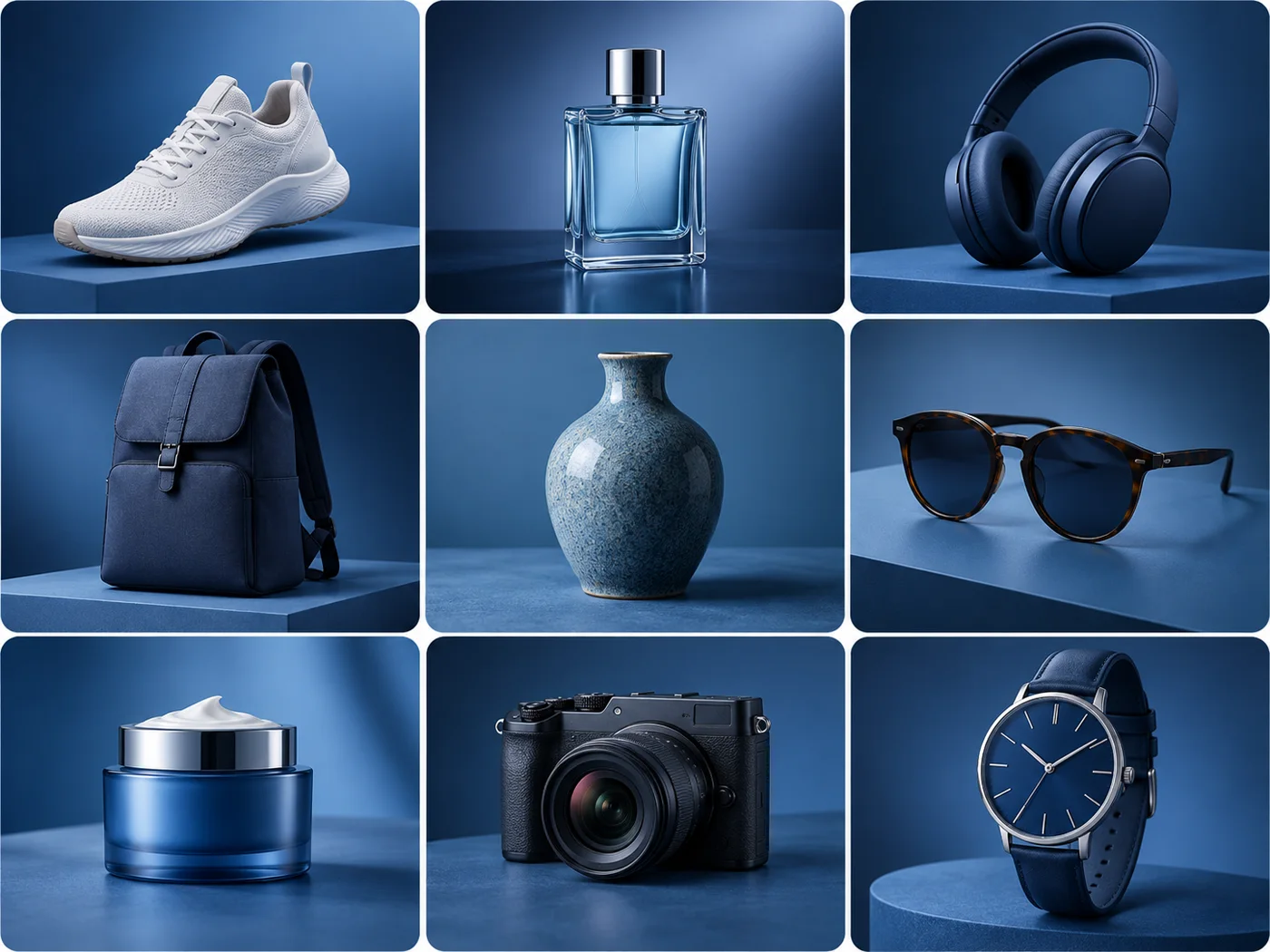
Collection of products on blue backgrounds

Consistent at every scale

Create a dependable blue visual system at scale

Standardize profiles, product photography, and brand assets with a clean blue background that feels trustworthy, modern, and consistent.

Start editing

Designed for everyday work

One background, many ways to use it

Professional profiles

Give headshots and team photos a clear, confident studio finish.

Technology products

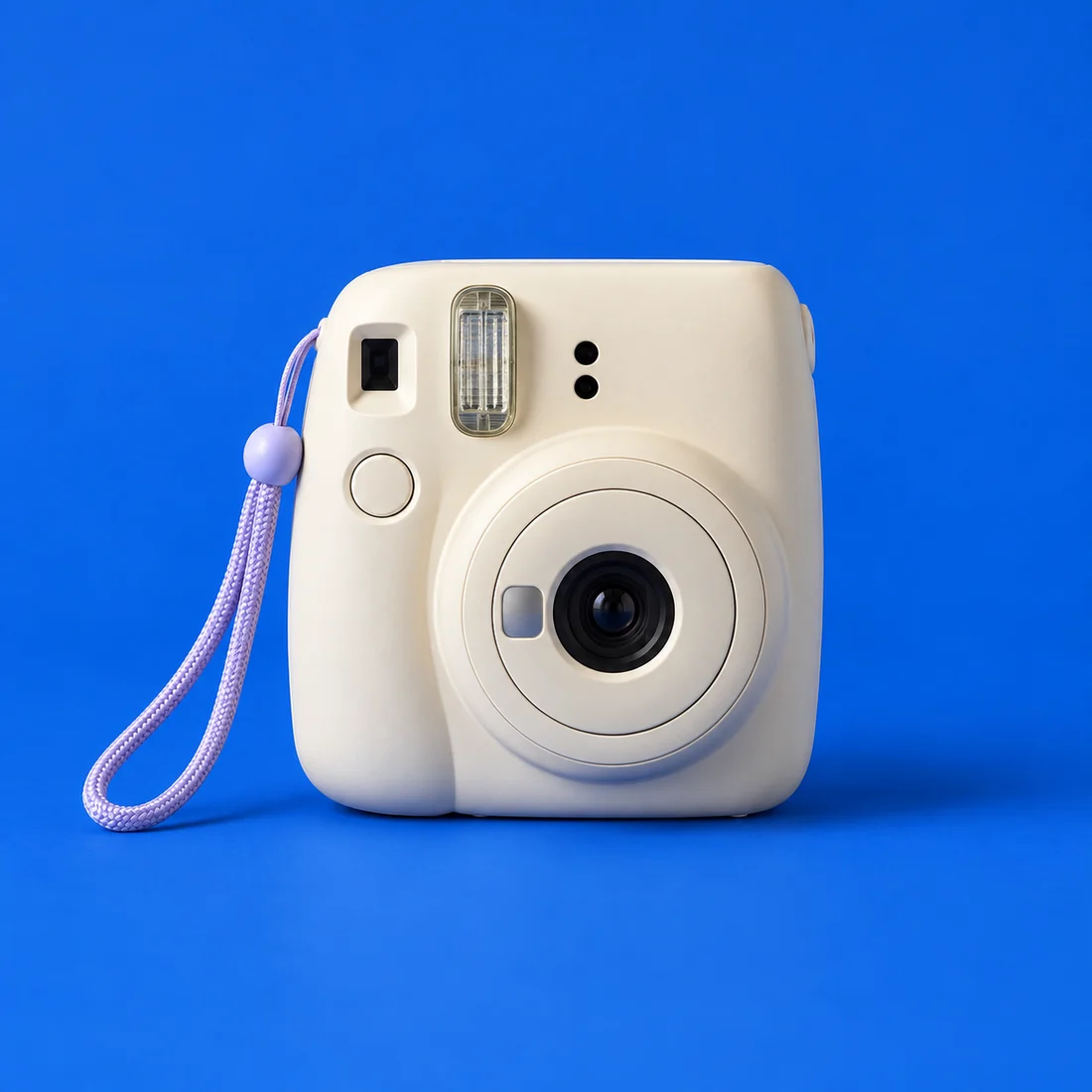
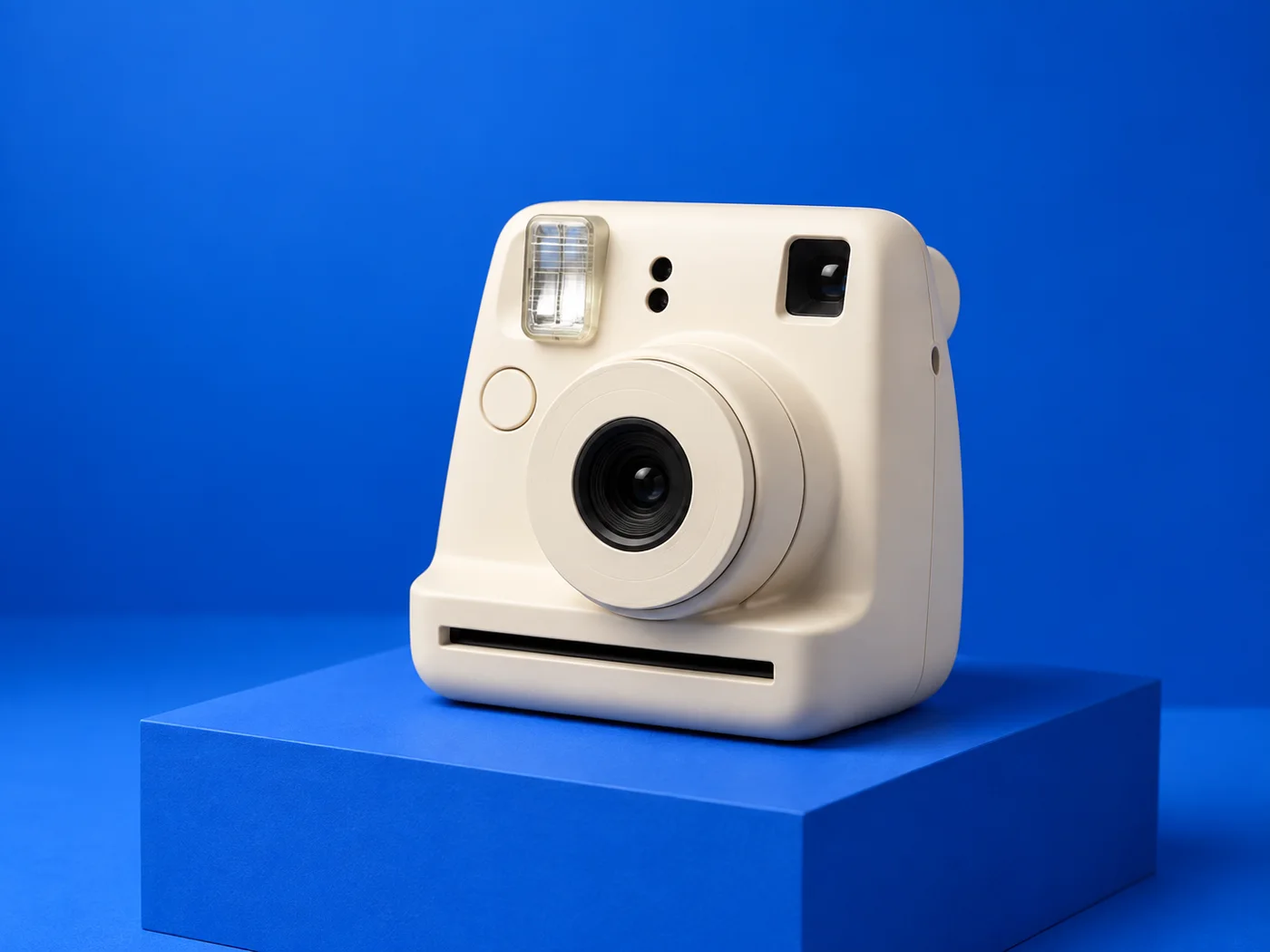
Present cameras, devices, and accessories against a modern blue backdrop.

Brand and social assets

Keep banners, posts, and presentation graphics visually connected.

Make your background blue

Upload a photo and continue directly into StickerAI with your background color ready to refine.

or drop a file

JPG, PNG, or WebP · up to 10 MB

No image?
See examples:

Background removal example 1Background removal example 2Background removal example 3Background removal example 4

By uploading an image, you agree to our Terms and acknowledge our Privacy Policy. Free results are temporary and not saved to a public gallery.

Quick answers

Frequently asked questions

Does the blue background become part of the download?

Yes. When blue is selected in Sticker Maker it is rendered into the exported image.

Can I keep fine details such as hair?

AI handles the first cutout automatically. Review fine edges and use the local refine tools when a difficult area needs correction.

Your privacy choices

We use optional analytics and, if enabled, advertising technologies only after your choice. Read our Privacy Policy