

Using Codex, Claude or another AI agent?Connect StickerAI once

Free online red background maker

Add a red background to your photo

Create a bold campaign image, thumbnail, or product visual without rebuilding the design from scratch. Your cutout opens with a vivid red canvas ready to refine.

red background example 6
red background example 7

or drop a file

JPG, PNG, or WebP · up to 10 MB

No image?
See examples:

Background removal example 1Background removal example 2Background removal example 3Background removal example 4

By uploading an image, you agree to our Terms and acknowledge our Privacy Policy. Free results are temporary and not saved to a public gallery.

You might also be interested in

Athlete portrait photographed against a vivid red studio background

Fast, clean, and online

Turn an ordinary photo into a bold red visual

Remove the old setting first, then place the clean subject on a consistent red canvas. The editor keeps the workflow reversible so you can switch color or return to transparency at any time.
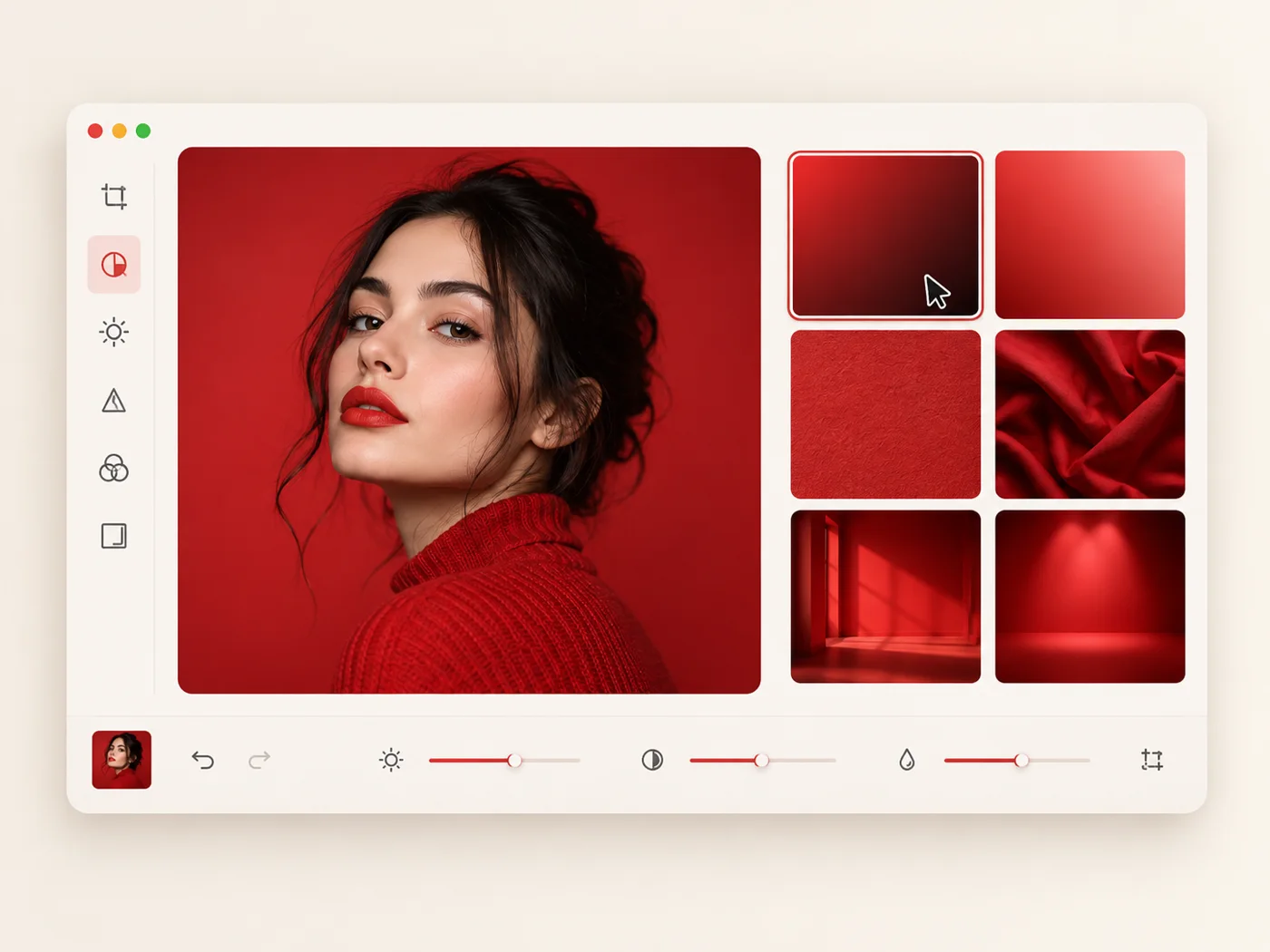
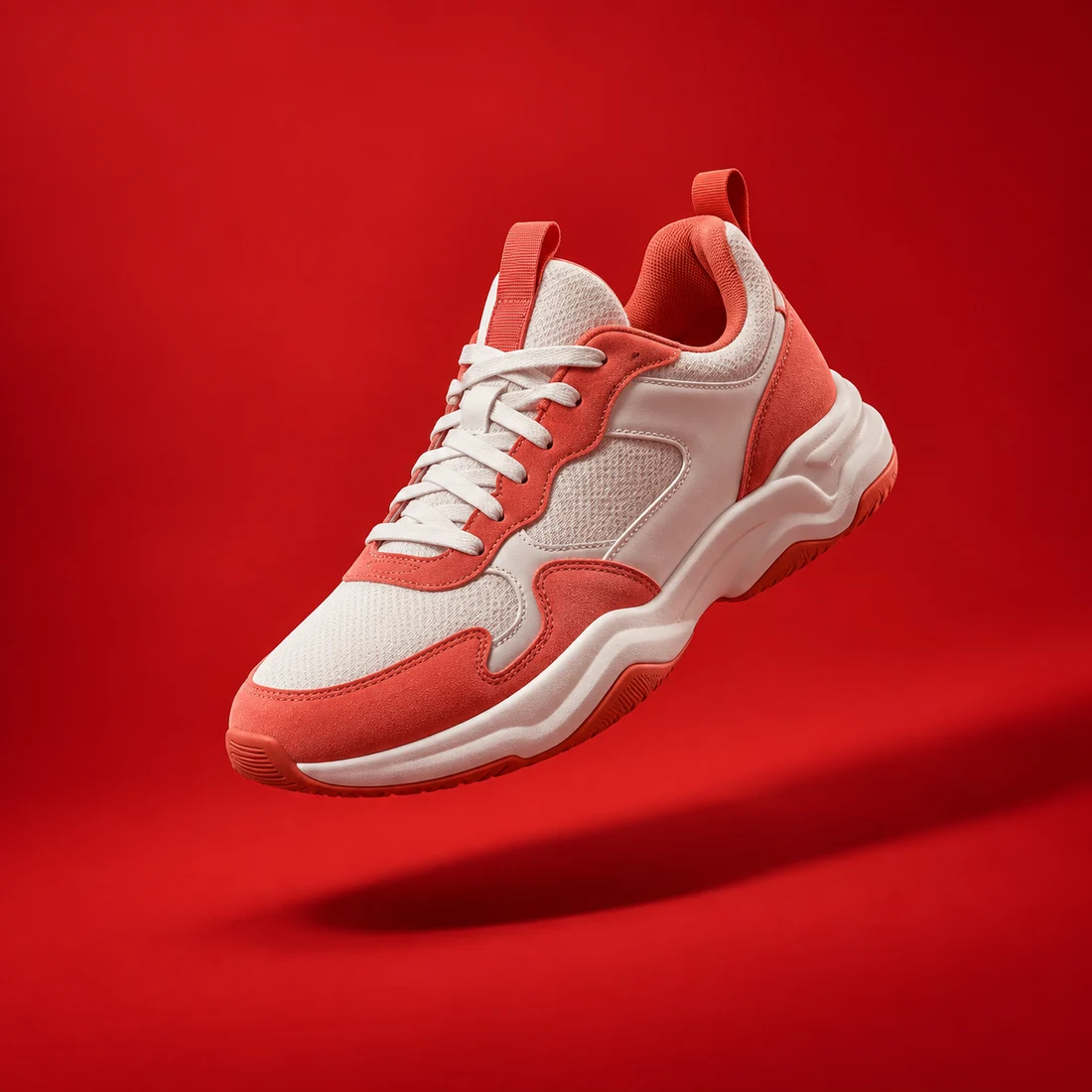
red background product photography example

Made for red

When a red background works best

Red is direct, energetic, and hard to miss. It can give promotional art a stronger focal point when the subject needs immediate attention.

  • Create attention-grabbing sale and campaign graphics
  • Add energy to thumbnails and social posts
  • Keep a consistent visual system across product images
StickerAI red background editing workflow

A simple workflow

How to add a red background online

Upload your image, let StickerAI isolate the subject, and move straight into the editor with a vivid red background ready to fine-tune.

  1. 1Upload your imageChoose a JPG, PNG, or WebP up to 10 MB. Your original file stays unchanged.
  2. 2Remove the old backgroundAI creates a transparent cutout so the subject is ready for a clean color change.
  3. 3Add color and downloadOpen the result in Sticker Maker with the color already selected, then export your PNG.
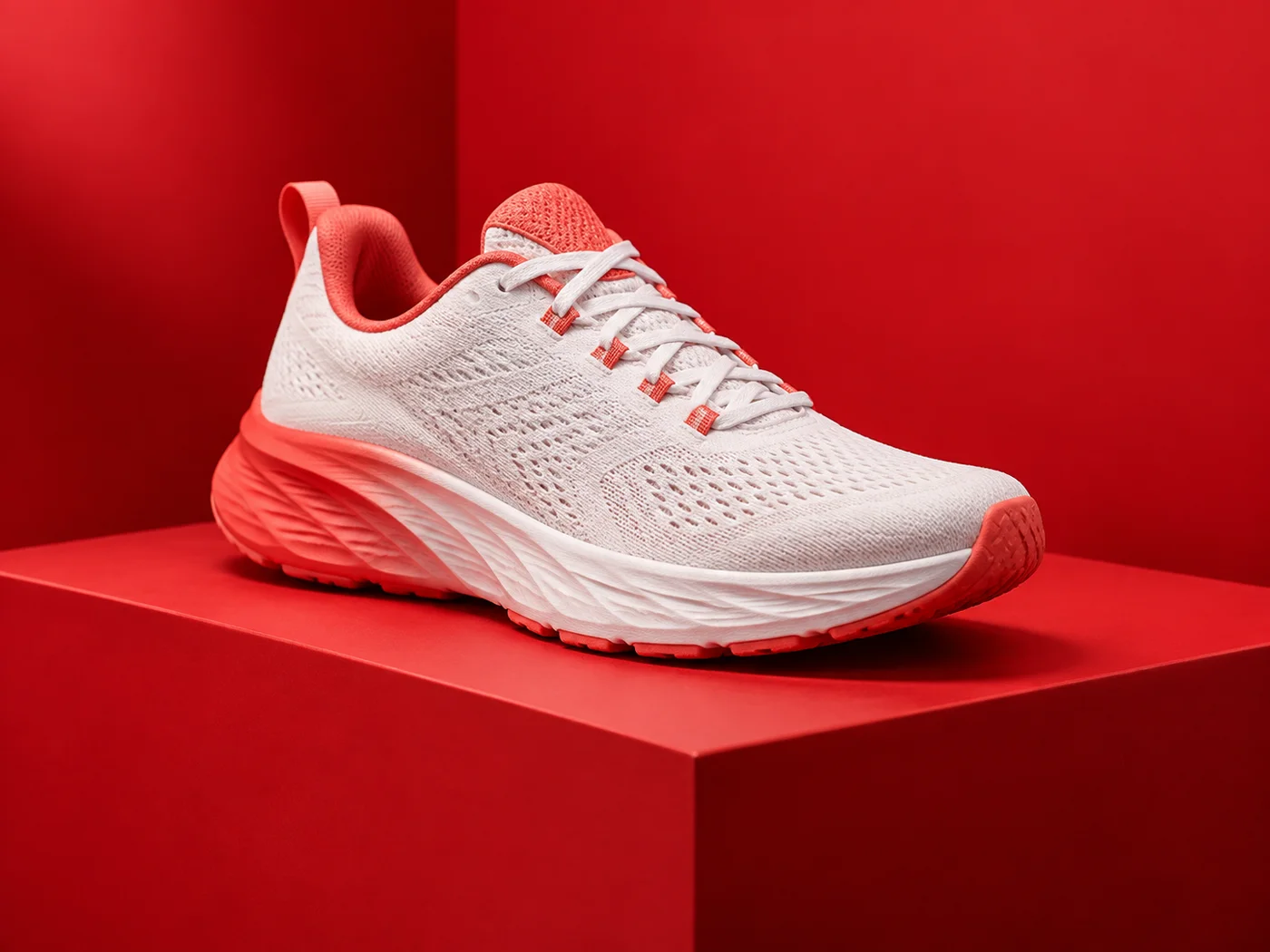
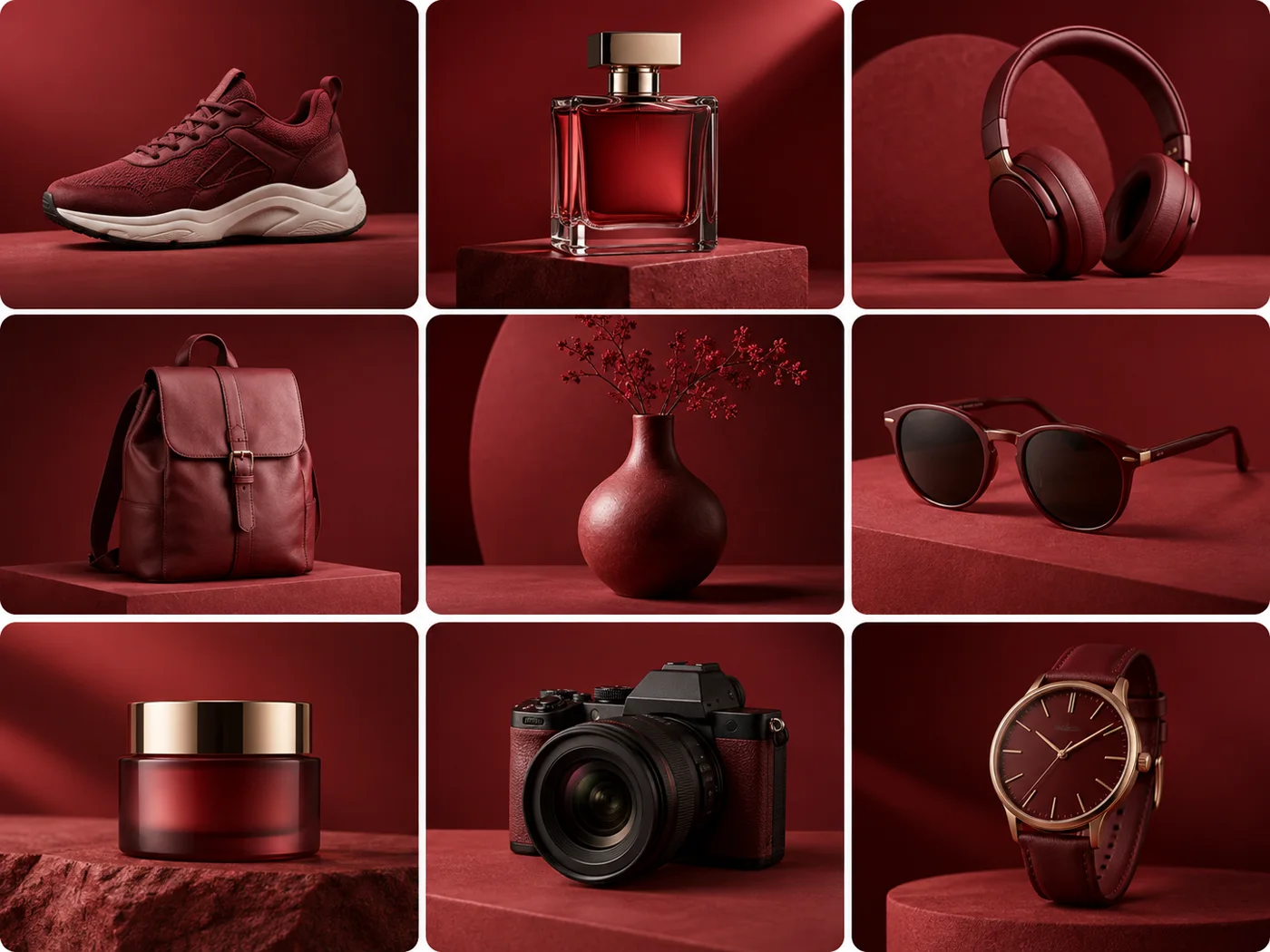
Collection of products on red backgrounds

Consistent at every scale

Keep every red campaign image unmistakably on brand

Use one energetic red direction across sale graphics, launches, social posts, and product shots without rebuilding every composition by hand.

Start editing

Designed for everyday work

One background, many ways to use it

Sales and promotions

Make offers, launches, and seasonal campaigns feel urgent and impossible to miss.

Sport and action portraits

Give energetic subjects a bold studio setting with clear edge contrast.

Launch-ready product shots

Create a cohesive red product series for storefronts, ads, and social media.

Make your background red

Upload a photo and continue directly into StickerAI with your background color ready to refine.

or drop a file

JPG, PNG, or WebP · up to 10 MB

No image?
See examples:

Background removal example 1Background removal example 2Background removal example 3Background removal example 4

By uploading an image, you agree to our Terms and acknowledge our Privacy Policy. Free results are temporary and not saved to a public gallery.

Quick answers

Frequently asked questions

Can I choose a different red later?

The current preset uses a strong, balanced red. You can switch to another available background or return to a transparent canvas in the editor.

Will the tool overwrite my original photo?

No. StickerAI creates a separate result and leaves the source file on your device unchanged.

Your privacy choices

We use optional analytics and, if enabled, advertising technologies only after your choice. Read our Privacy Policy